Random picks
ClickTheWheel treats each listed entry as an eligible segment. If Maria appears once and Jules appears twice, Jules has two slices unless the duplicate is removed first.
Read randomness guideTrust & safety
ClickTheWheel is a browser-based wheel spinner for visible, low-stakes selections. Good wheel use starts with real boundaries: who belongs on the list, what should stay private, when proof is worth keeping, and where random choice should stop.
ClickTheWheel treats each listed entry as an eligible segment. If Maria appears once and Jules appears twice, Jules has two slices unless the duplicate is removed first.
Read randomness guideHosts should clean entries, announce duplicate rules, show the final count, spin visibly, and keep a record for raffles, classroom rewards, sponsor prizes, or livestream giveaways.
Open Fair Draw ToolkitQuick spins can happen without an account. Saved wheels, live rooms, and public gallery items should avoid private IDs, emails, phone numbers, student records, and sensitive names.
Read privacy policyWhen ads are enabled, ads should sit away from wheel controls. An ad should never look like the spin button, result, menu, download, or required next step.
Read terms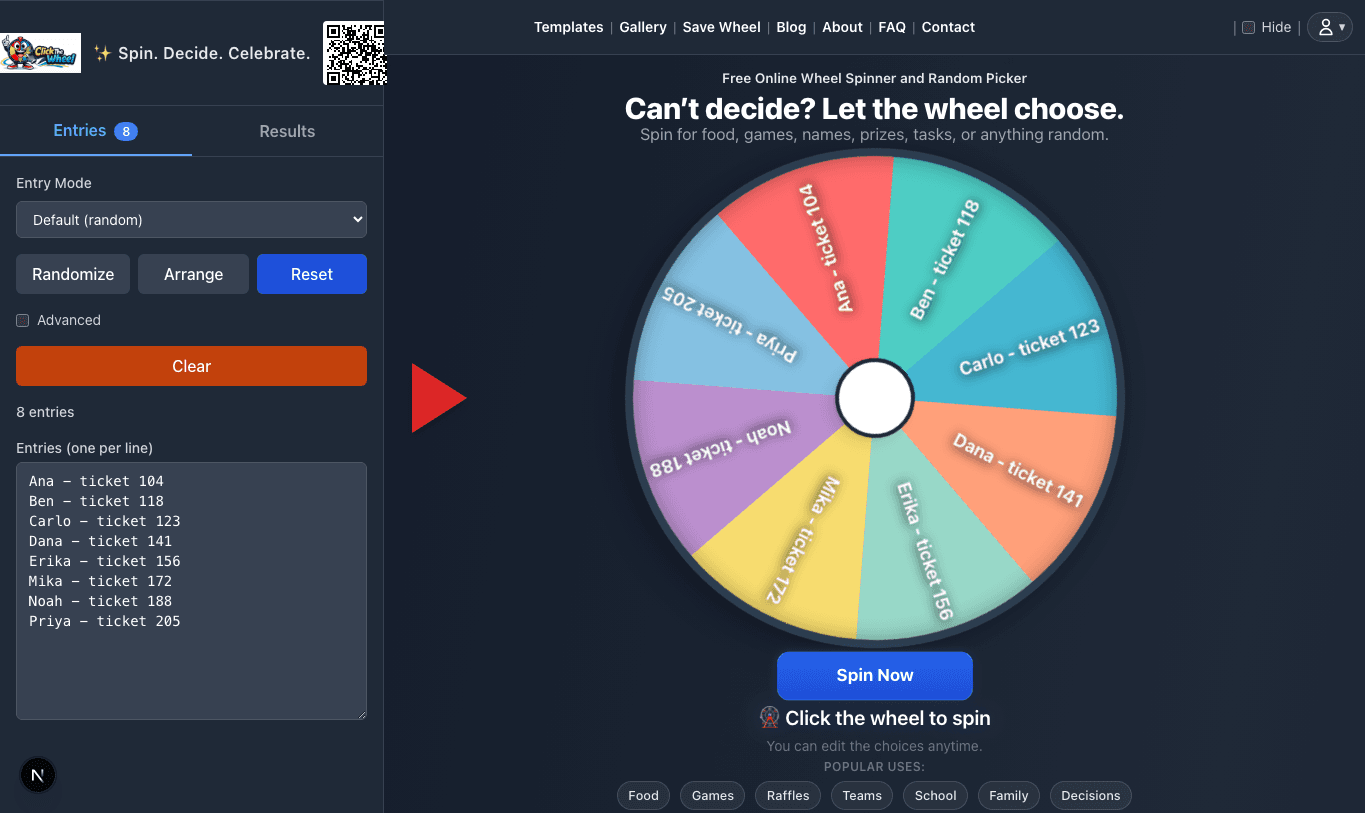
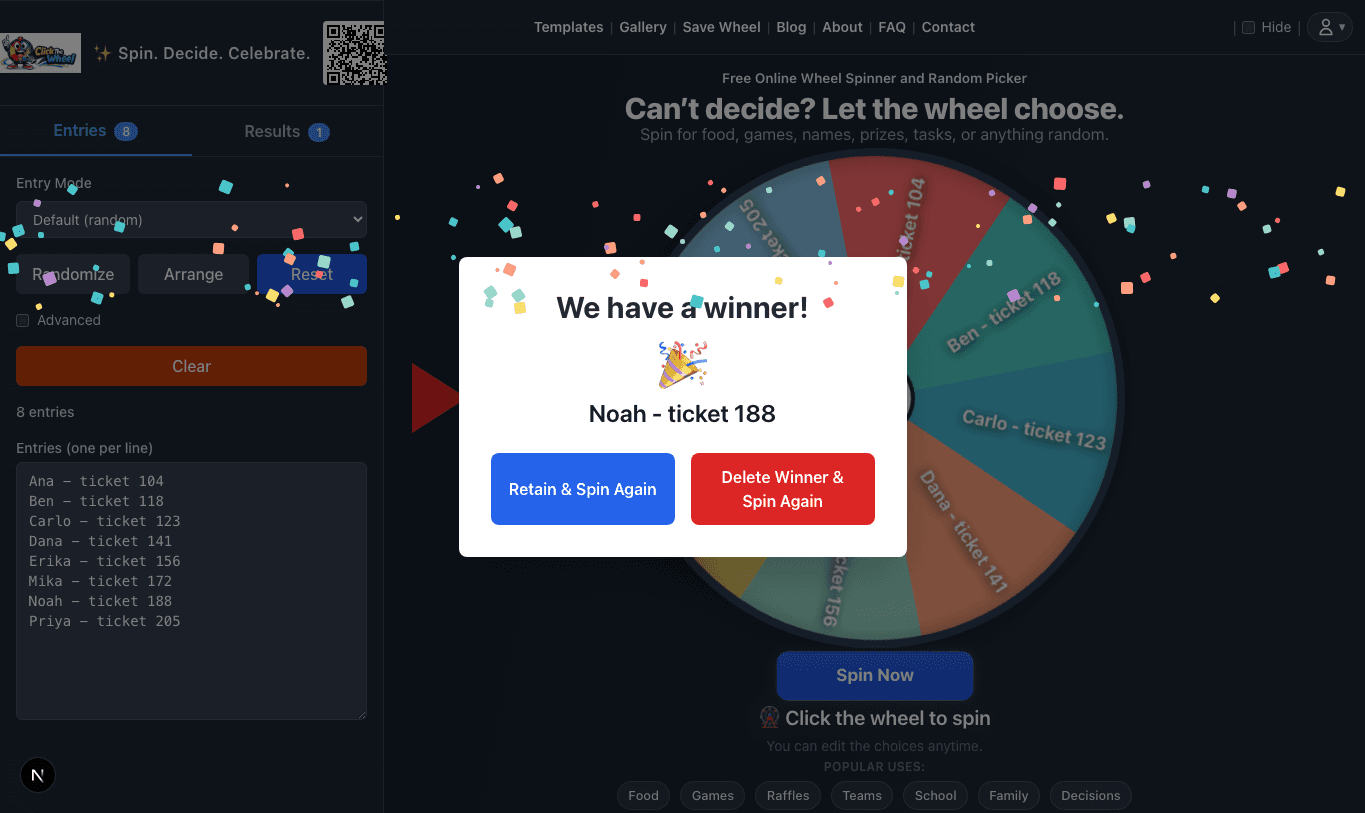
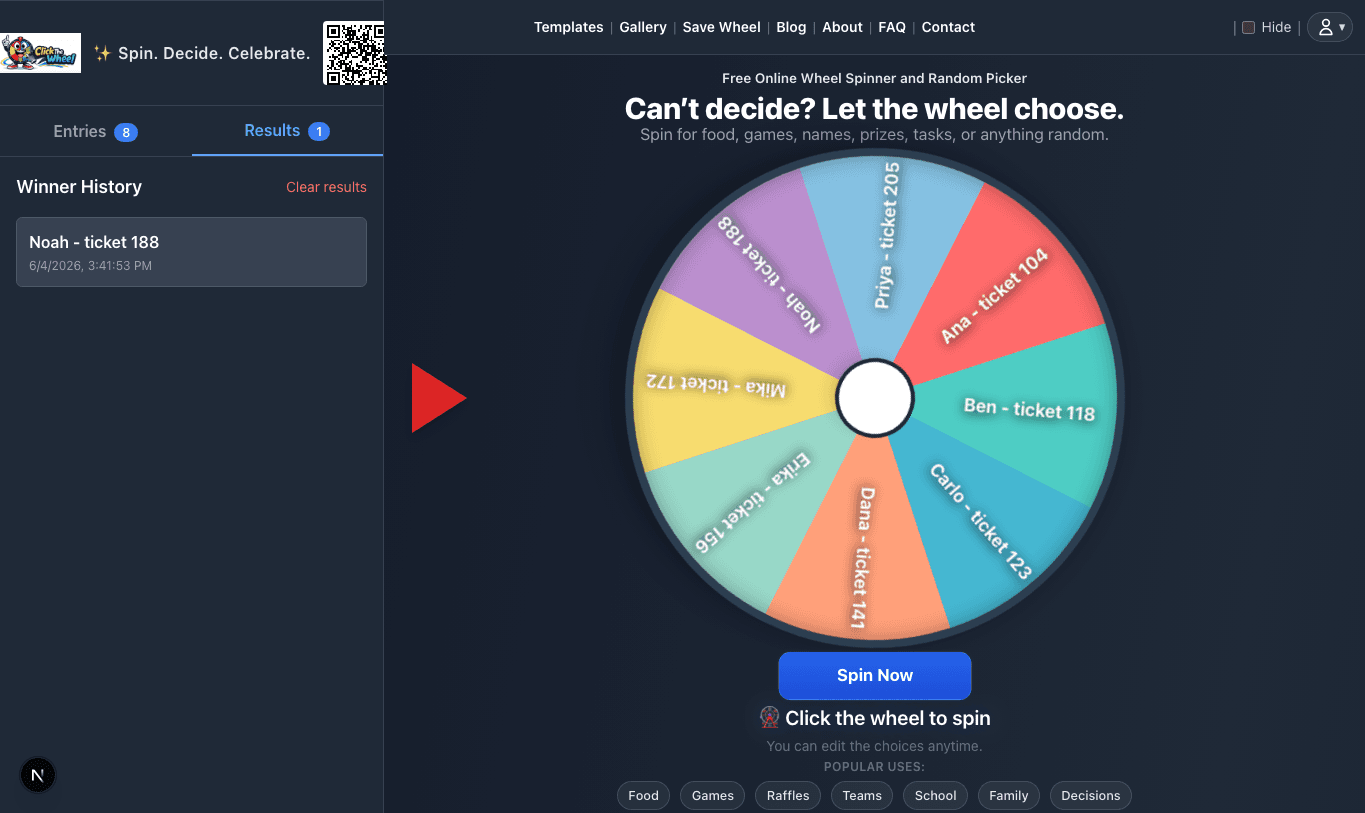
The wheel is often shown to a group. These examples help hosts choose labels that make the spin readable without exposing information the audience does not need.
Safer labels: Seat 12, Table 3, Group Blue, first names only
Avoid: Grades, behavior notes, full student records, parent contact details
Safer labels: Public usernames, viewer IDs, ticket numbers
Avoid: Emails, shipping addresses, payment usernames, private claim details
Safer labels: Employee numbers, table numbers, badge IDs, ticket stubs
Avoid: Salary details, performance notes, private HR data, personal phone numbers
Safer labels: Chore names, room names, first names, weekend activity options
Avoid: Sensitive arguments, punishments, private health notes, financial details
ClickTheWheel is built around an interactive wheel, so ad placement needs extra care. Ads should never interfere with a spin or make users think an ad is part of the result.
A page with a spinner should help you use the spinner: when to use it, what to put on the list, how repeats work, and when not to leave the choice to chance.
A classroom, raffle, meeting, or dinner example should include enough detail that you can adapt it without guessing the rules.
Privacy notes should say what happens with local entries, saved wheels, live rooms, public wheels, analytics, feedback, and ads.
When a page cannot answer everything, it should point to the wheel, a guide, the FAQ, privacy details, or the contact page.