Classroom
A facilitator can adapt Random Pair Maker for training rooms, cohort exercises, or group presentations.
Random Pair Maker is a starter wheel in the teams & groups category for turning a prepared list into one visible result. Starter entries include Student 1, Student 2, Student 3, and you can replace any item before spinning. Use it when the listed options are already acceptable and the group needs a clear, fair selection process.
Use these Random Pair Maker entries as a starting list. After you click “Use this template”, you can add, remove, or edit any entries before spinning.
Use Random Pair Maker when a meeting or team activity needs a neutral next step.
For Random Pair Maker, use it for speaker order, icebreakers, task ownership, kudos, workshop prompts, or team pairings.
For Random Pair Maker, use it when the team has already agreed that all listed outcomes are fair and appropriate.
Concrete setup
A facilitator needs a neutral way to assign speaker order, pairs, team roles, breakout groups, or demo turns during a live meeting.
These Random Pair Maker entries are meant as a starting point. Copy them into the wheel, then replace anything that does not fit your group or event.
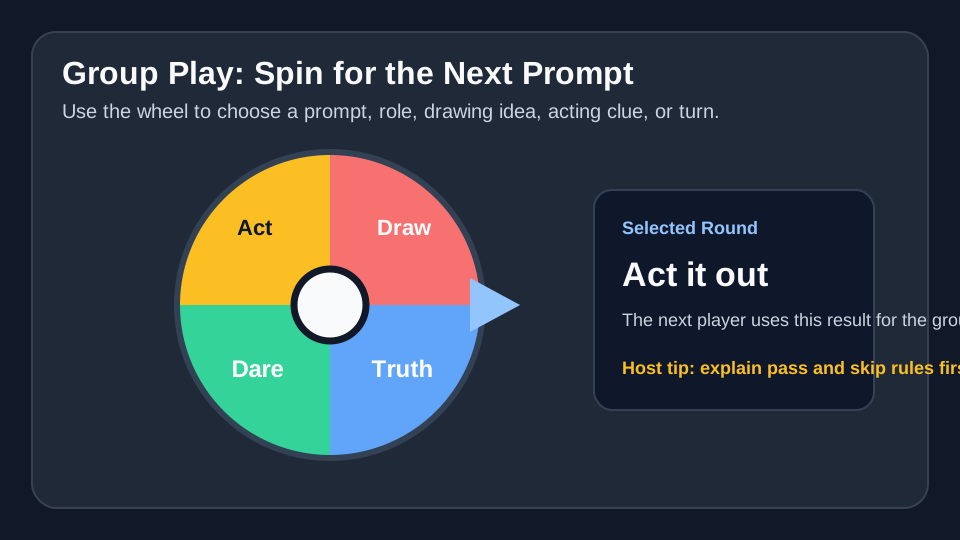
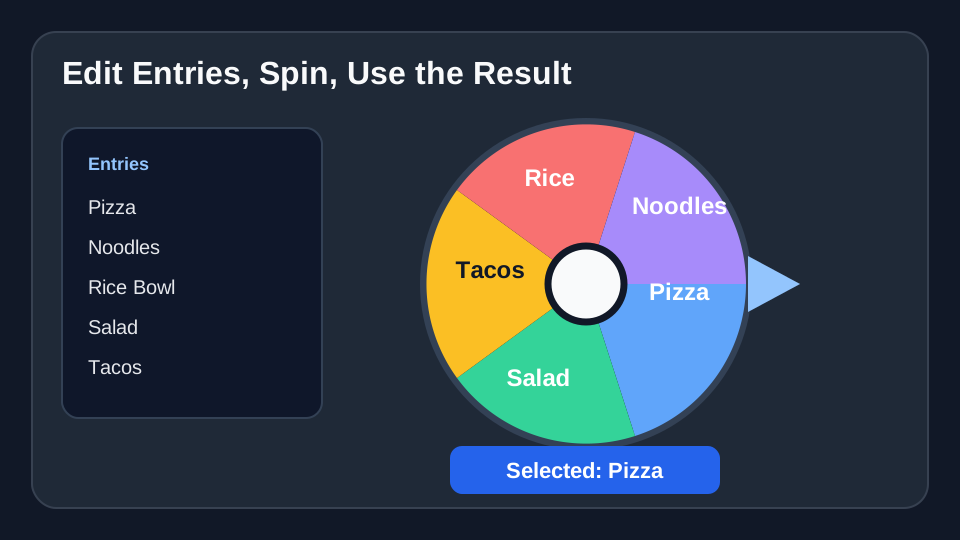
A facilitator can adapt Random Pair Maker for training rooms, cohort exercises, or group presentations.
Use Random Pair Maker for standup order, demo presenters, task owners, retro prompts, or pairing partners.
At a workshop or offsite, use Random Pair Maker for breakout prompts, activity order, or team challenges.
Load the Random Pair Maker template, check the entries, and spin when the list is ready.
Use Random Pair Maker →