Contests & Giveaways

Prize Type Wheel

Prize Type Wheel is a starter wheel in the contests & giveaways category for turning a prepared list into one visible result. Starter entries include One win this week, Coffee or tea?, A show you recommend, and you can replace any item before spinning. Use it when the listed options are already acceptable and the group needs a clear, fair selection process.

Use this template →
8
Suggested entries
Fully editable
Free
No signup required

Suggested Starter Entries

Use these Prize Type Wheel entries as a starting list. After you click “Use this template”, you can add, remove, or edit any entries before spinning.

One win this week
Coffee or tea?
A show you recommend
One thing you’re learning now
Your go-to snack
A place you want to visit
A small habit that helps you
Share a fun fact

When to use this wheel

Use Prize Type Wheel when you need a visible random picker for a giveaway, raffle, prize order, or contest draw.

For Prize Type Wheel, use it when participants should be able to see the entries and watch the selection happen.

For Prize Type Wheel, use it for low-stakes promotional draws where your rules allow a wheel-based random selection.

Concrete setup

Real scenario for this template

A host is running a prize draw with a prepared list, a published duplicate rule, and a need to explain the winner clearly after the spin.

Field notes

  • Use ticket numbers or public usernames when the screen is shared.
  • Draw prize tiers in the order announced before the first spin.
  • Remove winners between prize tiers when repeat wins are not allowed.

When not to use it

  • Do not use this template before eligibility and duplicate rules are settled.
  • Do not show private emails, addresses, phone numbers, or student IDs on a public wheel.
  • Do not edit the draw list after the audience has seen the final count unless you explain the correction.

Sample entries you can paste

These Prize Type Wheel entries are meant as a starting point. Copy them into the wheel, then replace anything that does not fit your group or event.
  1. One win this week
  2. Coffee or tea?
  3. A show you recommend
  4. One thing you’re learning now
  5. Your go-to snack
  6. A place you want to visit
  7. A small habit that helps you
  8. Share a fun fact

How to customize this template

  1. Replace sample Prize Type Wheel entries with the exact names, prompts, tasks, foods, prizes, or choices for your session.
  2. Keep labels short enough to read on the wheel, especially on mobile or when screen-sharing.
  3. Remove unavailable options, accidental duplicates, and anything you would not accept as the final result.
  4. State eligibility, duplicate-entry rules, and winner-removal rules before the first draw.
  5. Keep the result history visible or record the draw when prizes or public trust matter.

Related screenshots from the app

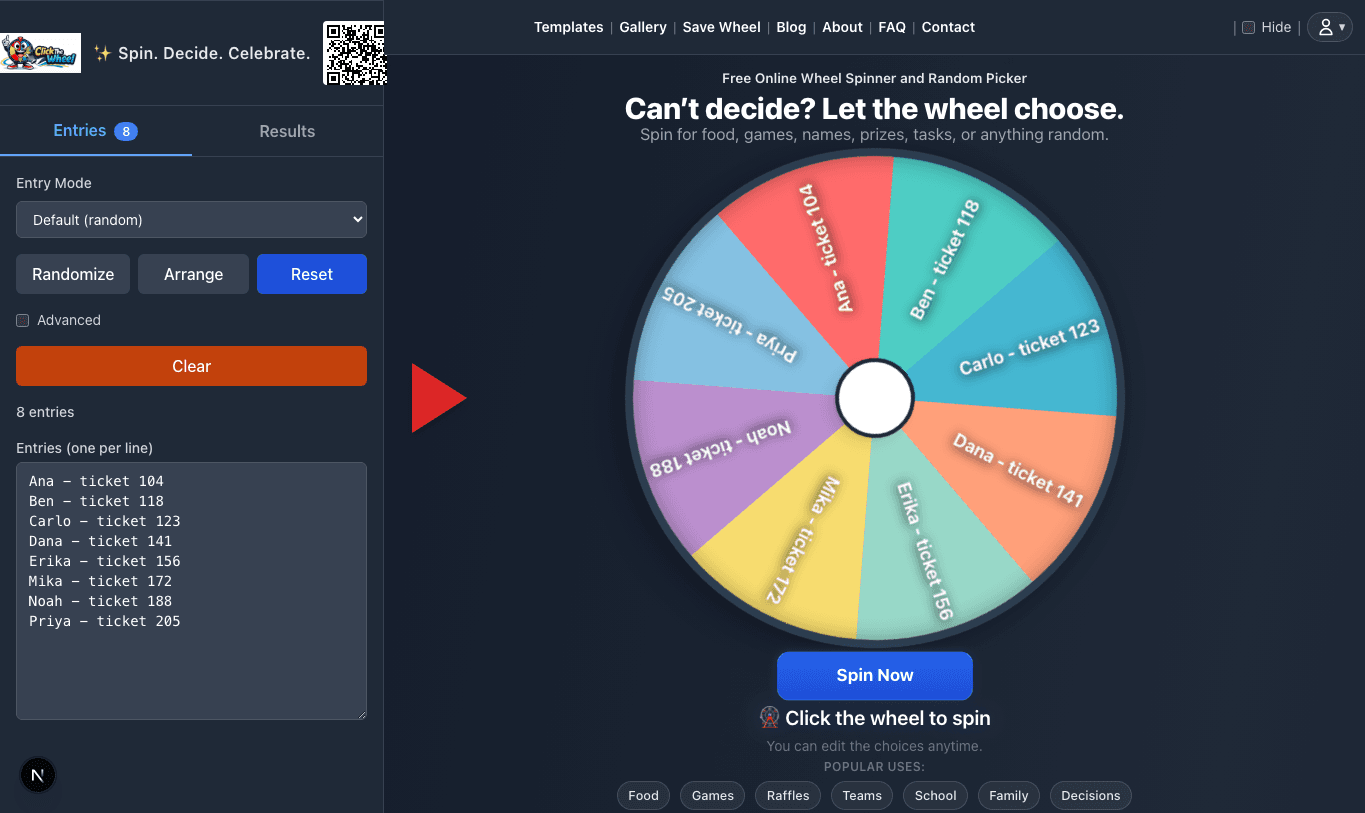
Prize Type Wheel entries before spinning
Check the final entry list and count before the draw.
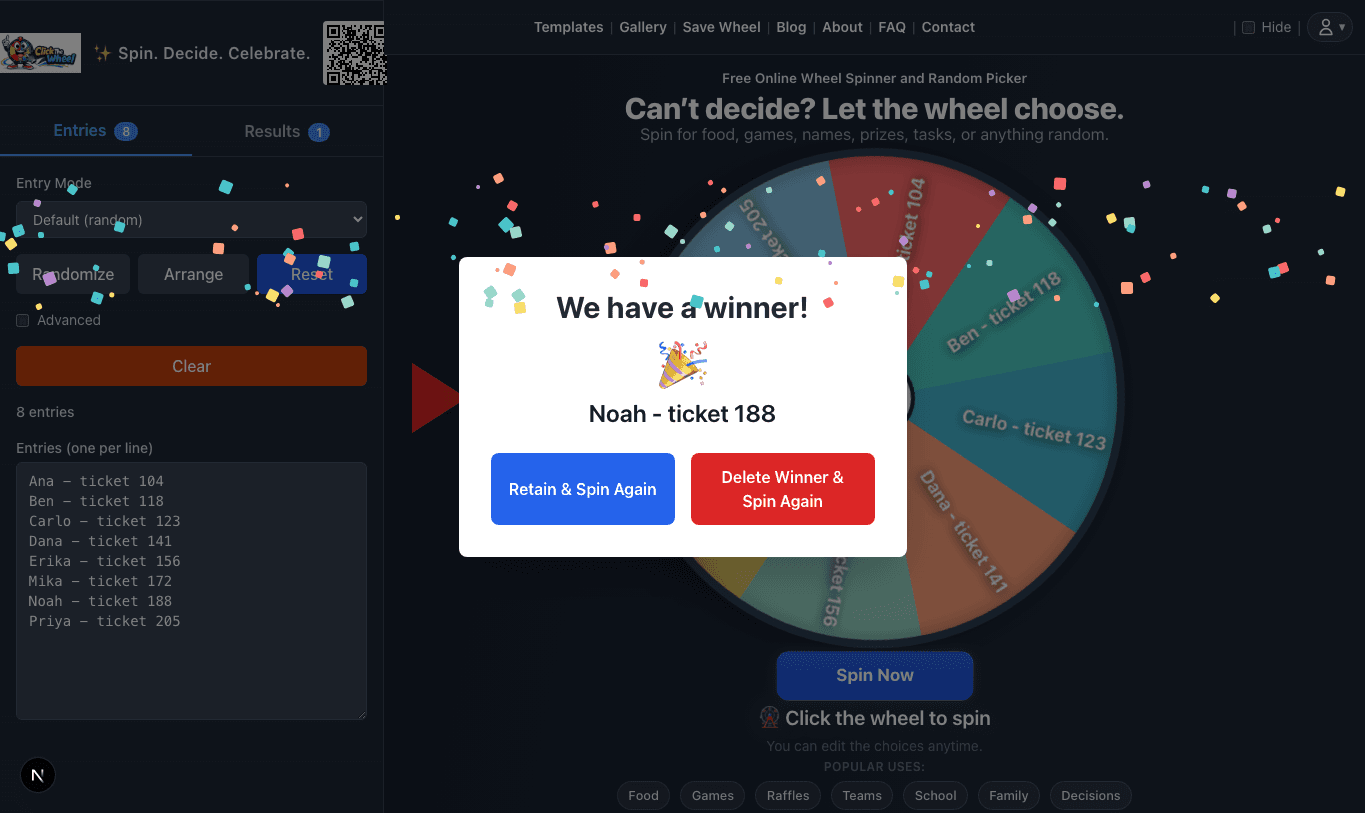
Prize Type Wheel winner result
Capture the winner modal before changing entries.
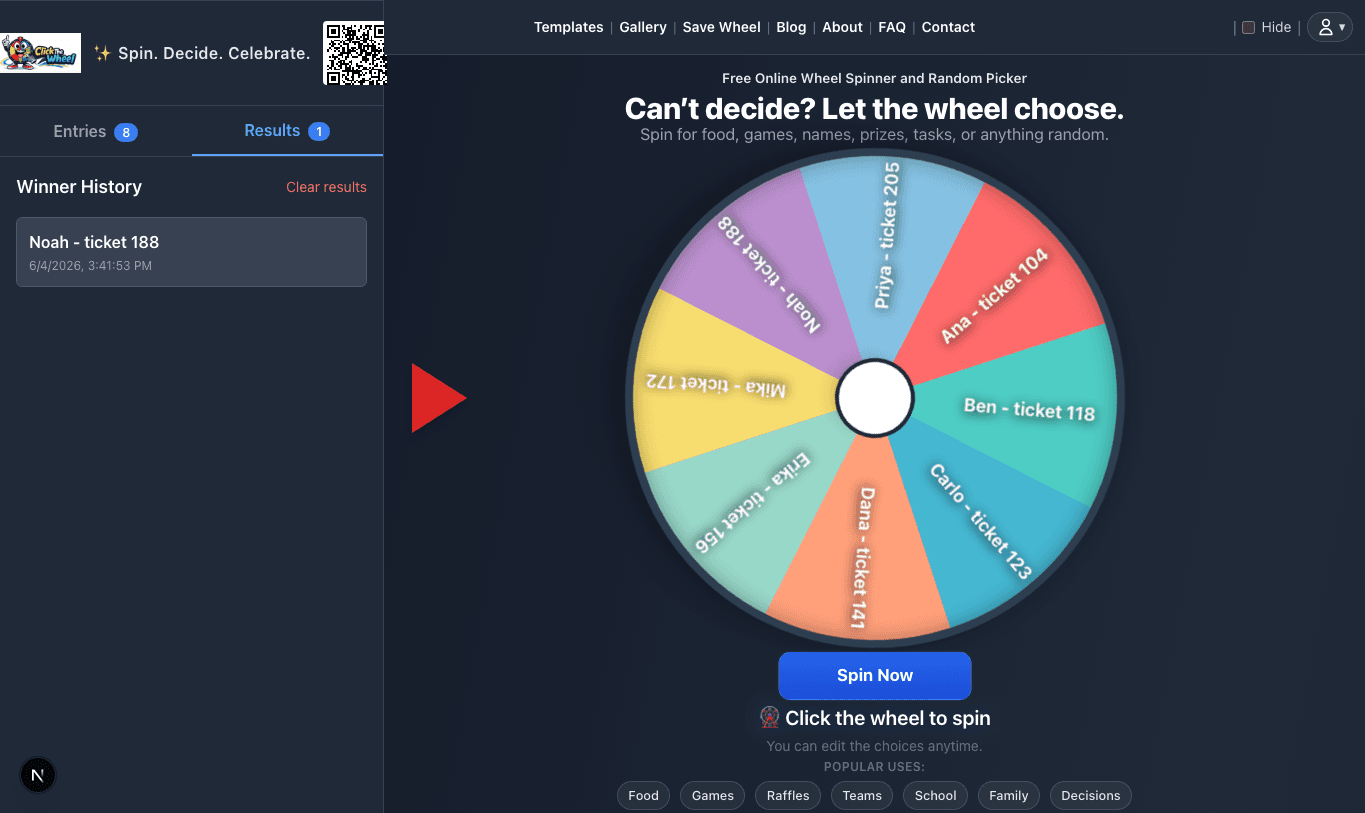
Prize Type Wheel result history
Keep result history for proof and prize order.

Fairness checklist

  • For Prize Type Wheel, clean the entry list before the draw and remove ineligible entries.
  • For Prize Type Wheel, keep one entry per eligible participant unless your rules explicitly allow bonus entries.
  • For Prize Type Wheel, state whether winners are removed before drawing additional prizes.
  • For Prize Type Wheel, for public draws, record the entry list, spin, and result for proof.

Classroom, work, and event examples

Classroom

Schools can adapt Prize Type Wheel for classroom rewards, reading challenges, or event prize drawings.

Work

Teams can use Prize Type Wheel for internal prize draws, recognition events, or wellness challenge rewards.

Events

Hosts can use Prize Type Wheel for raffle prizes, giveaway winners, sponsor prizes, or door prize order.

FAQ

What is Prize Type Wheel best for?
Prize Type Wheel is best for contests & giveaways situations where every listed option is acceptable and you want the final choice to be visible instead of hidden.
Can I edit the Prize Type Wheel entries?
Yes. Load the starter wheel, then add, remove, rename, or reorder entries before you spin. Your edits apply to your current wheel session.
How many entries should I use?
Start with the 8 sample entries shown here, then trim or expand the list to match your real group, event, or decision.

Ready to spin?

Load the Prize Type Wheel template, check the entries, and spin when the list is ready.

Use Prize Type Wheel