Classroom
A teacher can adapt Playlist Mood Picker for warm-up prompts, student turns, group roles, or review questions.
Playlist Mood Picker is a starter wheel in the entertainment category for turning a prepared list into one visible result. Starter entries include Cafe, Mall, Park, and you can replace any item before spinning. Use it when the listed options are already acceptable and the group needs a clear, fair selection process.
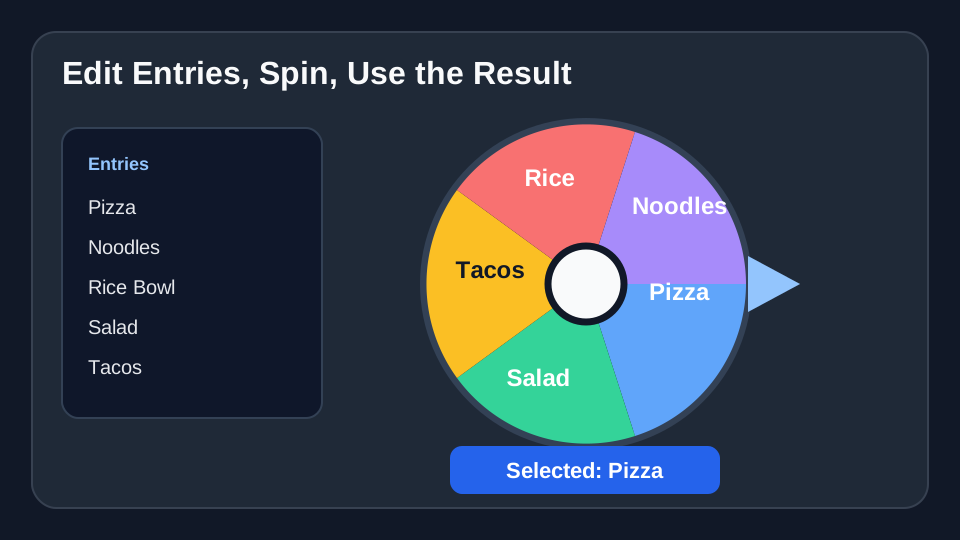
Use these Playlist Mood Picker entries as a starting list. After you click “Use this template”, you can add, remove, or edit any entries before spinning.
Use Playlist Mood Picker when every option on the wheel is acceptable and you want the choice to feel visible instead of hidden.
For Playlist Mood Picker, use it when a group is stuck between several reasonable options and discussion is taking longer than the decision deserves.
For Playlist Mood Picker, use it when you want a repeatable process: add entries, explain the rule, spin once, and use the result.
Concrete setup
Playlist Mood Picker is best when the entries are already acceptable and the group mainly needs a visible, neutral way to pick the next item.
These Playlist Mood Picker entries are meant as a starting point. Copy them into the wheel, then replace anything that does not fit your group or event.
A teacher can adapt Playlist Mood Picker for warm-up prompts, student turns, group roles, or review questions.
A team can use Playlist Mood Picker during meetings, standups, workshops, retrospectives, or task assignment moments.
An event host can use Playlist Mood Picker for prize order, activity choices, game prompts, or visible tie-breakers.
Load the Playlist Mood Picker template, check the entries, and spin when the list is ready.
Use Playlist Mood Picker →