Classroom
Schools can adapt Comment Category Picker for classroom rewards, reading challenges, or event prize drawings.
Comment Category Picker is a starter wheel in the contests & giveaways category for turning a prepared list into one visible result. Starter entries include One win this week, Coffee or tea?, A show you recommend, and you can replace any item before spinning. Use it when the listed options are already acceptable and the group needs a clear, fair selection process.
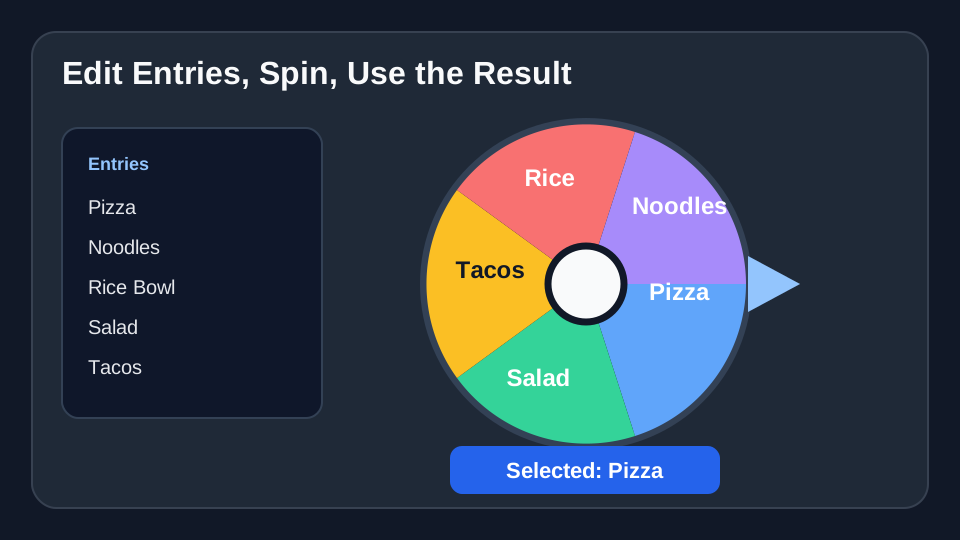
Use these Comment Category Picker entries as a starting list. After you click “Use this template”, you can add, remove, or edit any entries before spinning.
Use Comment Category Picker when you need a visible random picker for a giveaway, raffle, prize order, or contest draw.
For Comment Category Picker, use it when participants should be able to see the entries and watch the selection happen.
For Comment Category Picker, use it for low-stakes promotional draws where your rules allow a wheel-based random selection.
Concrete setup
Comment Category Picker is best when the entries are already acceptable and the group mainly needs a visible, neutral way to pick the next item.
These Comment Category Picker entries are meant as a starting point. Copy them into the wheel, then replace anything that does not fit your group or event.
Schools can adapt Comment Category Picker for classroom rewards, reading challenges, or event prize drawings.
Teams can use Comment Category Picker for internal prize draws, recognition events, or wellness challenge rewards.
Hosts can use Comment Category Picker for raffle prizes, giveaway winners, sponsor prizes, or door prize order.
Load the Comment Category Picker template, check the entries, and spin when the list is ready.
Use Comment Category Picker →