Classroom
A facilitator can adapt Breakout Room Allocator for training rooms, cohort exercises, or group presentations.
Breakout Room Allocator is a starter wheel in the teams & groups category for turning a prepared list into one visible result. Starter entries include Student 1, Student 2, Student 3, and you can replace any item before spinning. Use it when the listed options are already acceptable and the group needs a clear, fair selection process.
Use these Breakout Room Allocator entries as a starting list. After you click “Use this template”, you can add, remove, or edit any entries before spinning.
Use Breakout Room Allocator when a meeting or team activity needs a neutral next step.
For Breakout Room Allocator, use it for speaker order, icebreakers, task ownership, kudos, workshop prompts, or team pairings.
For Breakout Room Allocator, use it when the team has already agreed that all listed outcomes are fair and appropriate.
Concrete setup
Breakout Room Allocator is best when the entries are already acceptable and the group mainly needs a visible, neutral way to pick the next item.
These Breakout Room Allocator entries are meant as a starting point. Copy them into the wheel, then replace anything that does not fit your group or event.
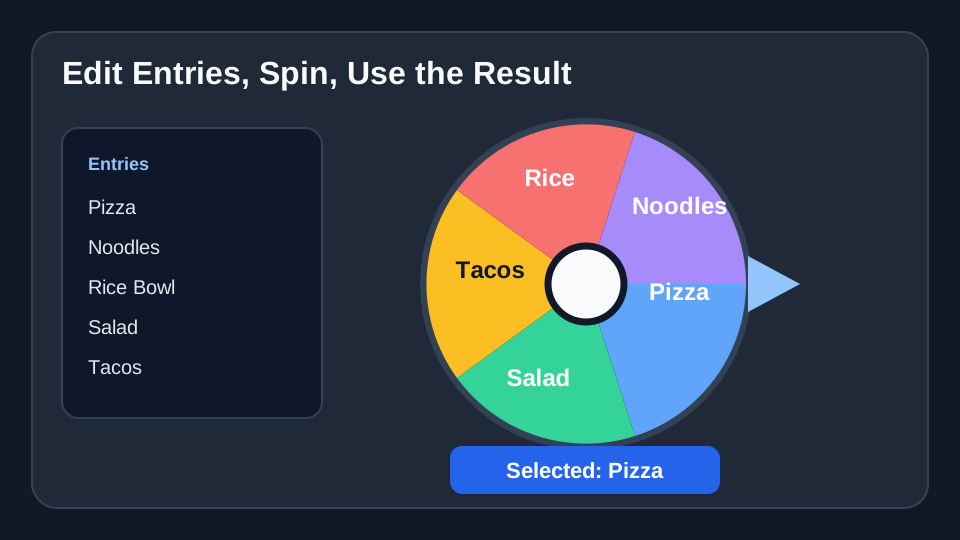
A facilitator can adapt Breakout Room Allocator for training rooms, cohort exercises, or group presentations.
Use Breakout Room Allocator for standup order, demo presenters, task owners, retro prompts, or pairing partners.
At a workshop or offsite, use Breakout Room Allocator for breakout prompts, activity order, or team challenges.
Load the Breakout Room Allocator template, check the entries, and spin when the list is ready.
Use Breakout Room Allocator →