By Fred, Founder of ClickTheWheel
Updated: May 2026
Category: Live Wheels
Reading time: 7–8 minutes
The most fun wheel moments usually happen when people are watching together.
A solo spin is useful. But a live shared spin has a different energy. People react at the same time. Someone laughs when their name almost lands. Someone says “again!” even before the result is fully announced.
That is why live sharing matters.
When using ClickTheWheel, the host and guests have different roles. The host controls the wheel. Guests join to watch, participate, or follow the session.
This guide explains the difference so live sessions feel smooth instead of confusing.
Table of Contents
- What a live wheel is
- Host vs guest
- The simple version
- How to start a live session
- How guests join
- What the host should control
- What guests should expect
- Good live session habits
- Common issues
- Live sharing checklist
- FAQ
- Final thoughts
What a Live Wheel Is
A live wheel lets a group experience the same spin moment together.
It can be used for:
- giveaways
- classroom picks
- team games
- remote icebreakers
- office raffles
- party decisions
- community events
The key benefit is shared attention.
Everyone knows they are watching the same decision.
Host vs Guest
The host is the person running the session.
The host usually:
- creates or opens the wheel
- starts the live session
- shares the room code or link
- controls entries and settings
- spins the wheel
- announces results
Guests usually:
- join the room
- watch the wheel
- follow the result
- participate through the activity rules
This separation keeps the session organized.
The Simple Version
- Host prepares the wheel.
- Host starts the live session.
- Host shares the code or link.
- Guests join.
- Host explains rules.
- Host spins.
- Everyone watches the result.
- Host records or announces outcome.
How to Start a Live Session
Before starting live, prepare your wheel.
Check:
- entries
- title
- settings
- prize order if needed
- duplicate rules
- winner removal rules
- screen sharing setup if using Zoom or Meet
Then start the live session from ClickTheWheel.
How Guests Join
Guests should receive a simple joining method:
- room code
- QR code
- shared link
- meeting screen share
For casual events, a link is easiest. For in-person events, QR code can be faster.
Tell guests what they can and cannot do.
Example:
“You can join and watch the spin. I’ll control the wheel as host.”
What the Host Should Control
The host should control the main actions to avoid chaos.
The host should manage:
- entries
- spin timing
- winner recording
- settings
- removing winners
- closing the session
For fair draws, avoid letting too many people edit the wheel.
What Guests Should Expect
Guests should know:
- when the spin starts
- what the wheel is deciding
- whether results are final
- what happens after a winner is selected
- whether there will be more spins
Clear expectations prevent confusion.
Good Live Session Habits
Before spinning, say:
“We’ll spin once for this round. The result will be final unless there is an invalid entry.”
For multiple winners, say:
“After each winner, I’ll remove the name before the next spin.”
For games, explain how turns work.
Common Issues
Guests joined late
Repeat the rules briefly before major spins.
Someone cannot join
Offer screen share as backup.
Guests expect editing control
Clarify that the host controls the session.
Results look delayed
Ask guests to refresh or follow the host screen.
Live Sharing Checklist
- [ ] Wheel is ready.
- [ ] Entries are checked.
- [ ] Host knows the rules.
- [ ] Room link/code is ready.
- [ ] Guests know how to join.
- [ ] Host explains what guests can do.
- [ ] Results will be recorded if needed.
- [ ] Backup screen share is ready.
When ClickTheWheel Helps
ClickTheWheel helps turn a decision into a shared moment.
Browse the Examples Library for live-friendly wheels like raffles, icebreakers, classroom activities, office games, and party games.
FAQ
What is the host role?
The host controls the wheel, starts spins, manages entries, and announces results.
Can guests spin the wheel?
Usually the host should control spinning to keep the session organized.
Can live wheels be used on Zoom or Google Meet?
Yes. You can share your screen or use a live room link if available.
What if guests cannot sync properly?
Use the host screen as the source of truth and ask guests to refresh if needed.
Should I record live draws?
For giveaways and raffles, yes.
Final Thoughts
A live wheel works best when everyone understands their role.
The host prepares and controls the session. Guests join, watch, react, and participate.
That simple structure keeps the experience joyful without becoming messy.
Start a live wheel on ClickTheWheel, share it with your group, and make the spin a moment everyone can enjoy together.
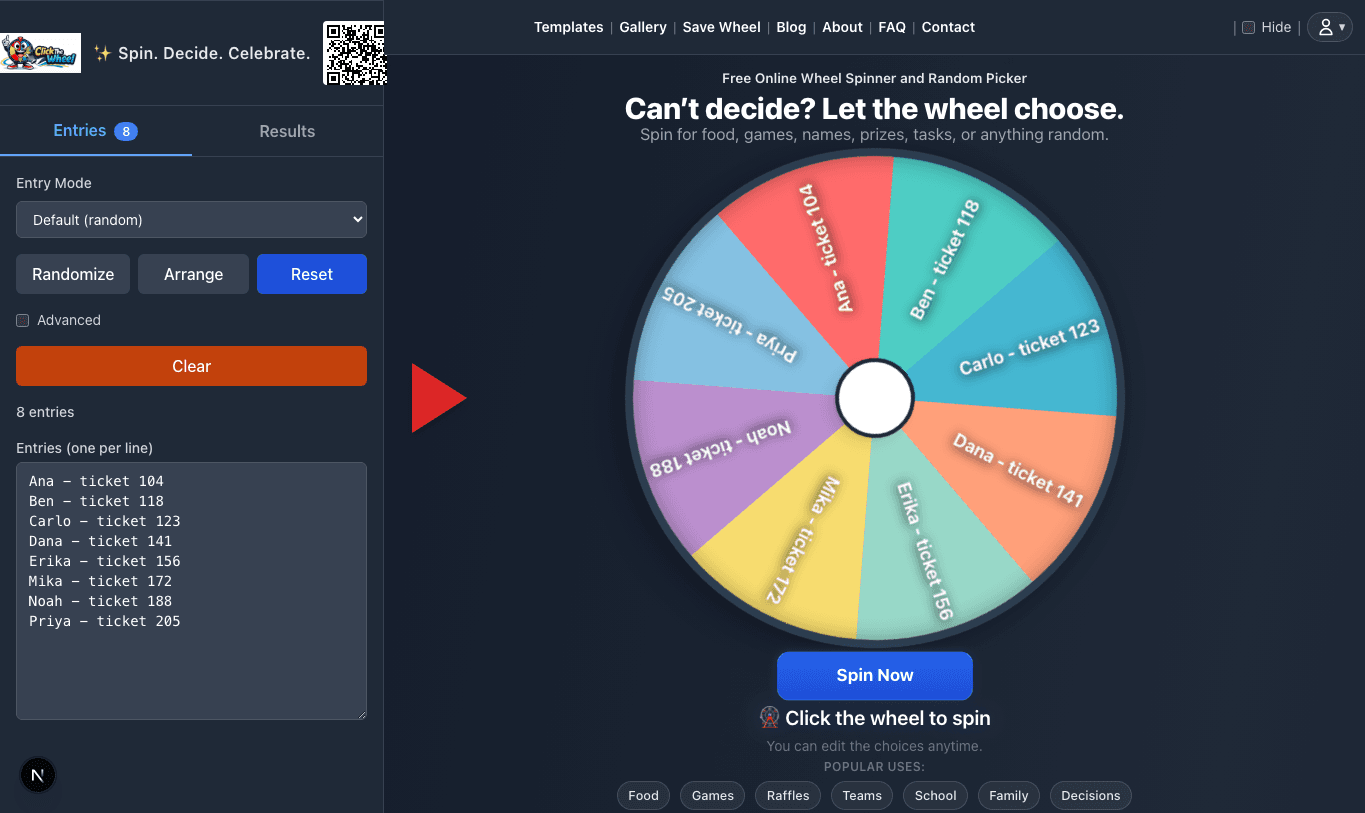
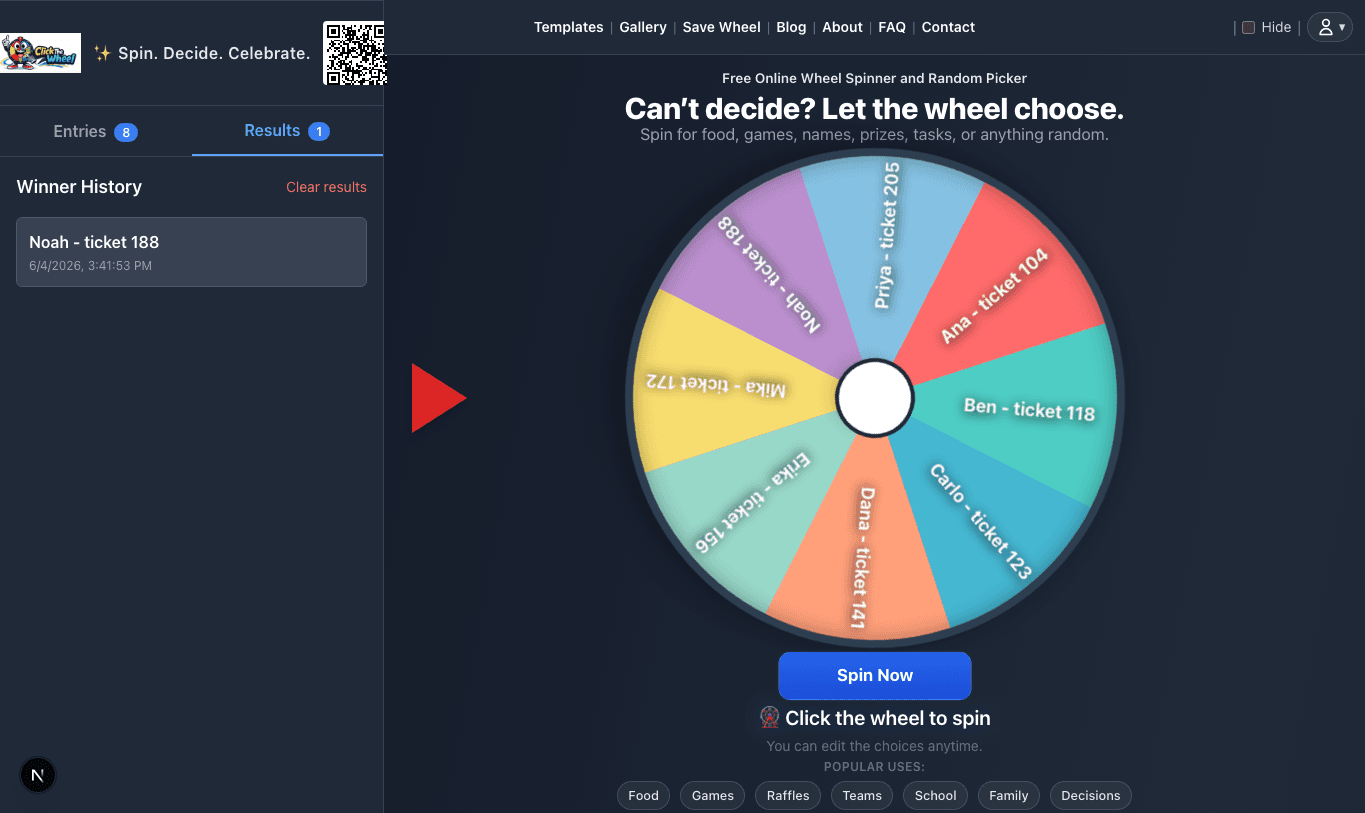
Relevant app screenshots
These screenshots are shown only for articles where the image directly supports the live wheels workflow: setup, result proof, result history, or settings. They are not generic decorations.