By Fred and the ClickTheWheel Team
Updated: May 2026
Category: Live Wheels
Reading time: 7–8 minutes
The more people use a wheel, the more they want to keep, share, reuse, or protect it.
At first, a wheel may be just a quick decision. Then you create one for a class, another for an office raffle, another for party games, another for your personal tasks.
Soon the question becomes:
“Should I save this?”
“Where are my saved wheels?”
“Can I share this live?”
“Should this be public or private?”
Those are good questions.
This guide explains the practical difference between live sessions, Save Wheel, My Wheels, public wheels, and private wheels in ClickTheWheel.
Table of Contents
- The simple version
- Live sessions
- Save Wheel
- My Wheels
- Public wheels
- Private wheels
- When to use each
- Common mistakes
- Checklist
- FAQ
- Final thoughts
The Simple Version
Use:
- Live Sessions when people need to join or watch together.
- Save Wheel when you want to reuse a wheel later.
- My Wheels to find your saved wheels.
- Public sharing when the wheel is safe and useful for others.
- Private setting when the wheel is only for your own use.
Live Sessions
A live session is for a shared moment.
Use it for:
- giveaways
- team games
- classroom activities
- remote icebreakers
- party decisions
- group raffles
The host controls the wheel. Guests join to watch or participate.
Live sessions are best when the moment matters now.
Save Wheel
Save Wheel is for keeping a wheel.
Use it when:
- you customized entries
- you want to reuse the wheel
- you prepared settings
- the list took time to build
- the wheel is part of a routine
Examples:
Friday Office Raffle
Classroom Review Wheel
Birthday Party Game
Dinner Picker
Weekly Task Wheel
If a wheel matters, save it.
My Wheels
My Wheels is your list of saved wheels.
Good organization helps.
Use clear names so you can find them later.
Instead of:
Wheel 1
Test
Names
Use:
Grade 5 Vocabulary Review
May Office Raffle
Family Dinner Picker
Team Icebreaker Friday
Public Wheels
A public wheel can be shared or made visible to others, depending on the app’s Gallery or Community Wheels behavior.
Public wheels are good for:
- reusable game ideas
- classroom templates
- fun decision wheels
- general prompts
- party games
- community sharing
Before making a wheel public, remove private information.
Private Wheels
Private wheels are for your own use.
Keep wheels private if they include:
- student names
- employee names
- customer names
- personal tasks
- private errands
- internal company topics
- sensitive event entries
Private should be the default when personal data is involved.
When to Use Each
Quick one-time decision
Use the wheel directly. Save only if needed.
Recurring activity
Use Save Wheel.
Reusing old wheels
Go to My Wheels.
Group event
Use Live Session.
Sharing ideas with others
Make public only if safe.
Personal or sensitive wheel
Keep private.
Common Mistakes
Not saving important wheels
If you spent time building it, save it.
Public sharing with private names
Never publish private participant lists.
Confusing live rooms and saved wheels
Live sessions are for now. Saved wheels are for later.
Poor wheel names
Use descriptive titles.
Guests expecting control
Explain host and guest roles.
Feature Checklist
- [ ] Important wheel is saved.
- [ ] Wheel name is clear.
- [ ] My Wheels is used for reuse.
- [ ] Live Session is used for group events.
- [ ] Public wheels contain no private data.
- [ ] Private wheels stay private.
- [ ] Guests understand host control.
When ClickTheWheel Helps
ClickTheWheel supports both quick decisions and reusable wheel experiences.
You can start from the Examples Library, customize a wheel, save it, keep it private, make it public if appropriate, or use it in a live session.
FAQ
What is Save Wheel for?
It keeps a wheel so you can reuse it later.
What is My Wheels?
It is your list of saved wheels.
What is a live session?
A shared room or experience where a host runs the wheel and guests join.
Should all wheels be public?
No. Only make wheels public if they are safe to share.
When should I keep a wheel private?
Keep it private when it includes personal, student, employee, customer, or sensitive information.
Can I share a private wheel live?
A live session can be used for a group moment, but be careful about what data guests can see.
Final Thoughts
ClickTheWheel can be quick or reusable, personal or shared, private or public.
The key is knowing which mode fits the moment.
Use live sessions for shared excitement. Use Save Wheel for reuse. Use My Wheels to stay organized. Make wheels public only when they are safe and useful. Keep personal wheels private.
Start with ClickTheWheel, then choose the right way to save, share, or protect your wheel.
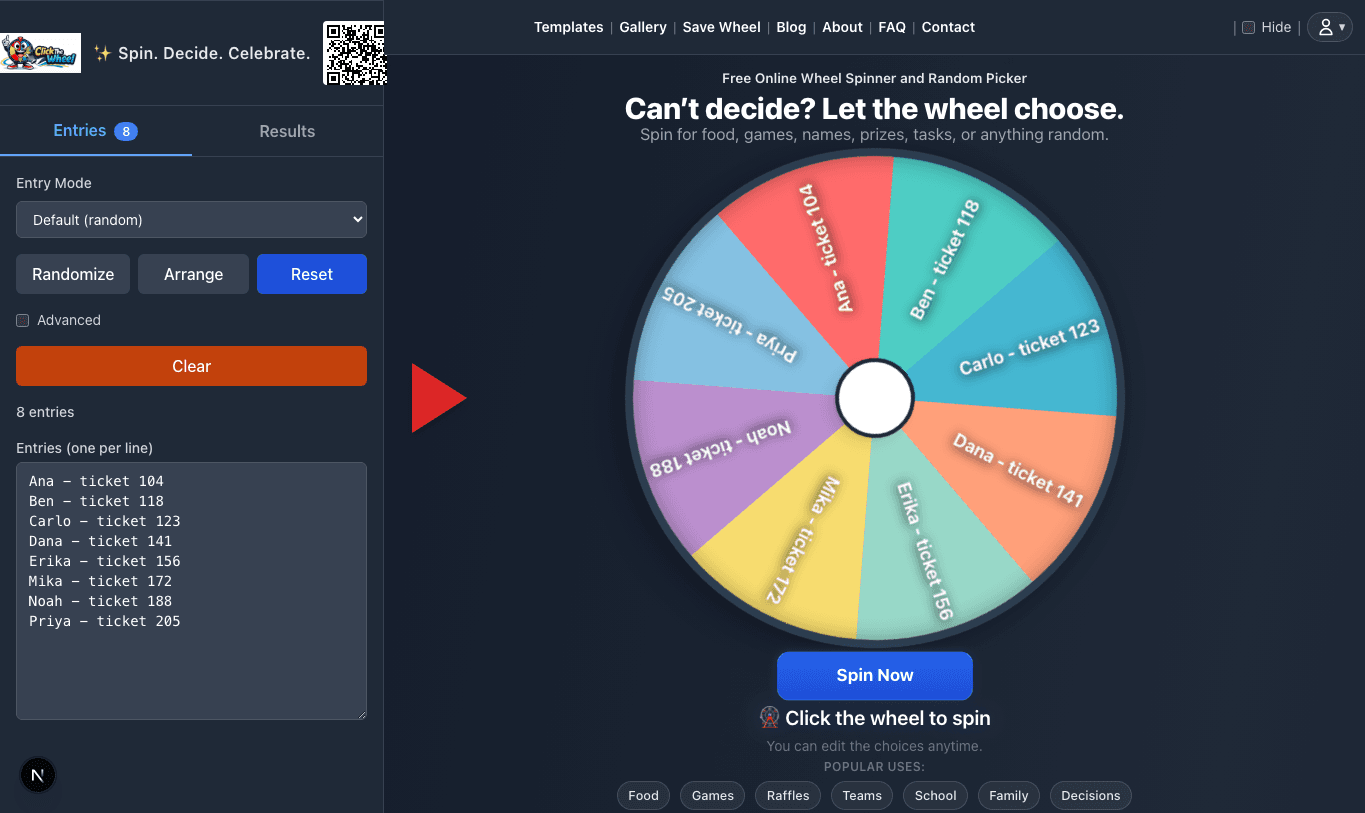
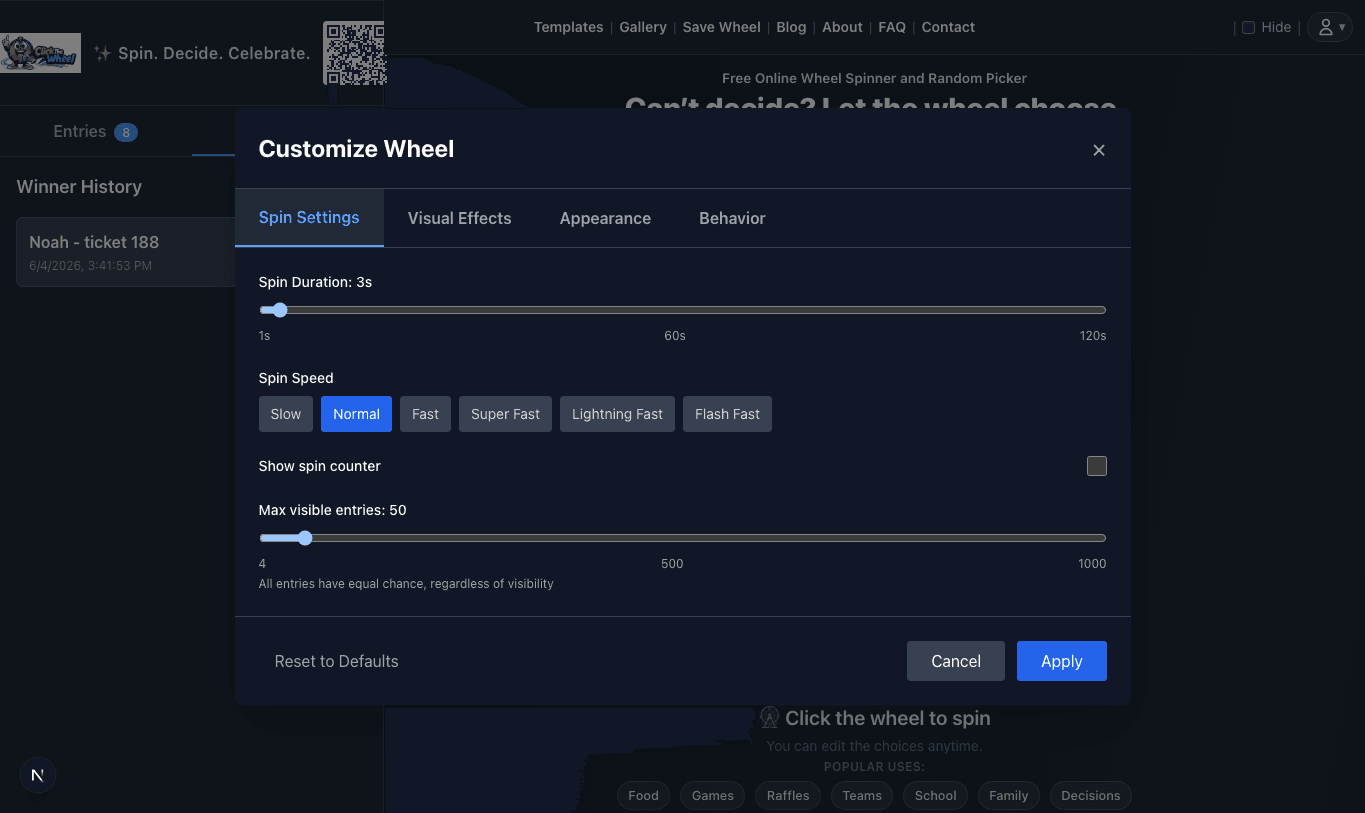
Relevant app screenshots
These screenshots are shown only for articles where the image directly supports the live wheels workflow: setup, result proof, result history, or settings. They are not generic decorations.