Use case guide
Kids Activity Decision Wheel (Fun & Learning)
Pick games, chores, and learning activities for kids using a fun decision wheel. Keeps children engaged and removes choice battles while teaching fairness.
Quick setup
Kids Activity Decision Wheel works best when families or households need a visible way to choose from real options, not a hidden or arbitrary pick. Start with a clean Kids list, decide the rule before the spin, and use the result consistently so everyone understands why that option was selected.
- Create a list of eligible Kids options before opening the wheel.
- Remove anything unavailable, duplicated by accident, private, or outside the rules for this Activities use case.
- Choose whether the selected entry should stay on the wheel or be removed after the result.
- Spin once, announce the result, and keep a simple record if other people need proof later.
Real setup example
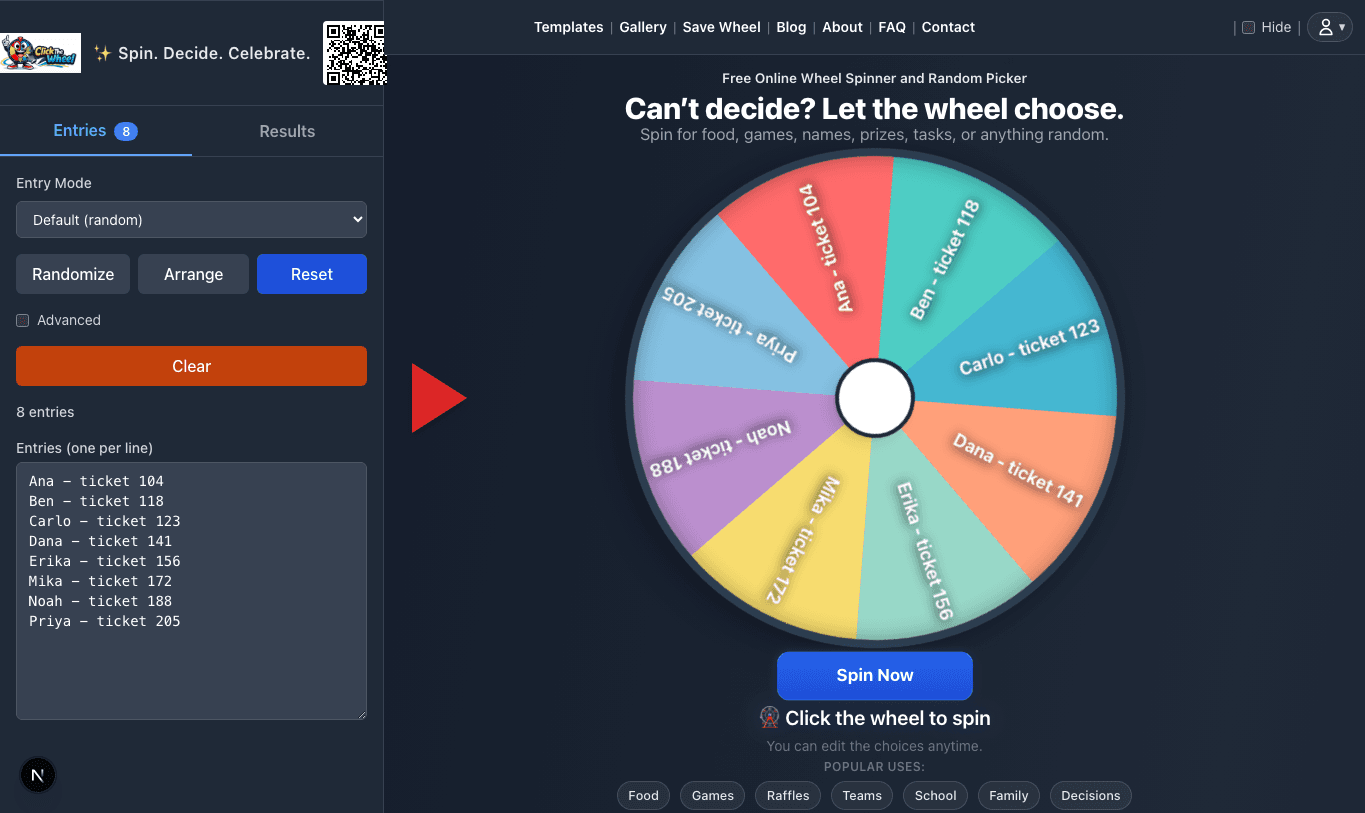
Family chore wheel for 5 people
A household assigns weekly chores from a short list. Everyone sees the task pool before the wheel starts.
Setup
- List only chores that are due this week.
- Separate very hard chores or rotate them manually.
- Remove assigned chores until the weekly list is complete.
- Save the final assignment in a family chat or calendar.
Spin rule
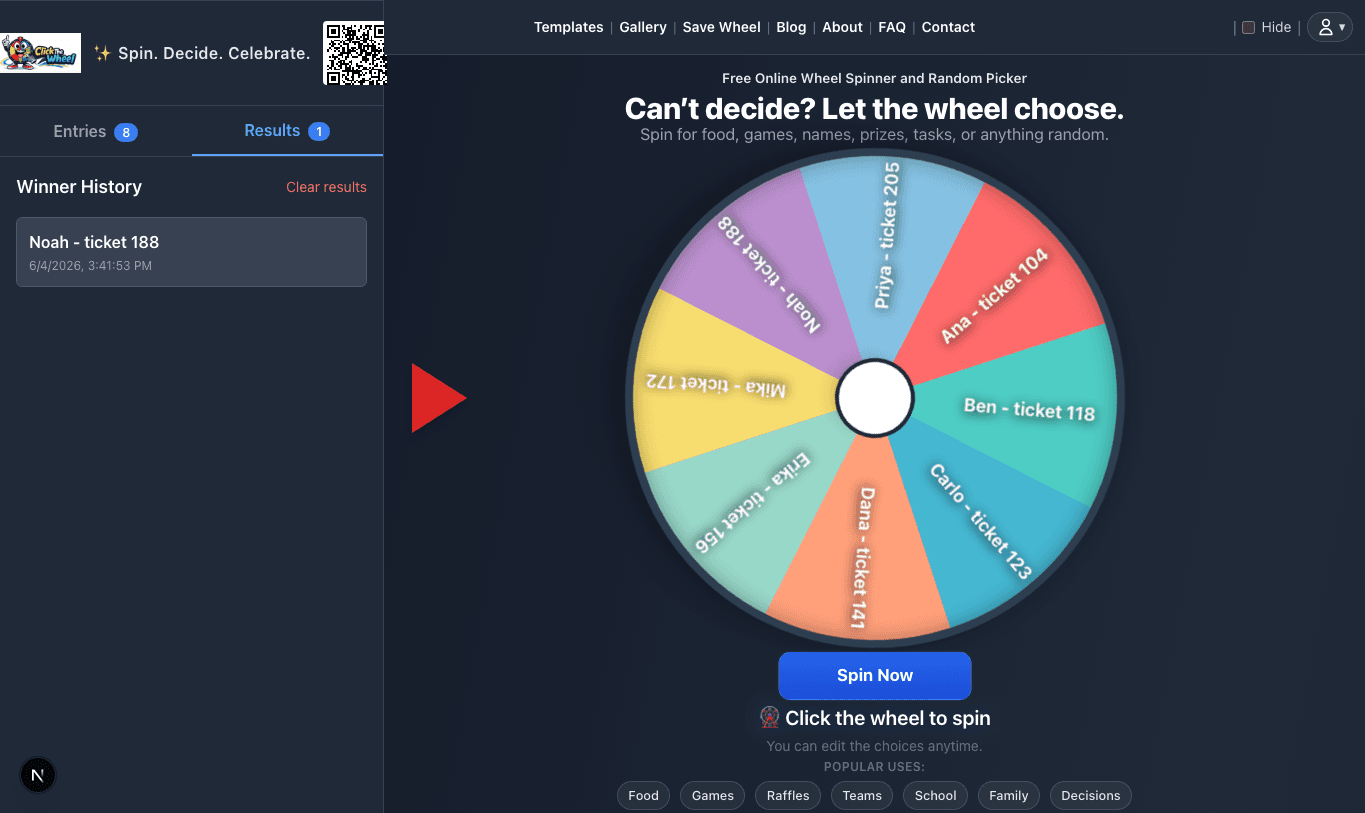
Spin for one chore at a time, assign it, remove it, and continue until all weekly tasks are assigned.
Proof note
A screenshot of the assignment order is enough for household accountability.
When to use this
When to use this is where Kids Activity Decision Wheel becomes more than a random click. Use this section to turn the general idea into a list that fits your people, timing, and situation.
For Kids Activity Decision Wheel, the wheel works best when families or households can see the Kids and Activities choices and understand the result. Review the list, remove weak options, spin once, and treat the selected entry as the next agreed action.
Build your kids list
A strong Kids Activity Decision Wheel list mixes specific entries with a few flexible fallbacks. For example, entries like "Toy cleanup", "Outdoor game", and "Family walk" are clear enough to act on immediately after the spin.
Keep each Kids Activity Decision Wheel label short, visible, and easy to explain. If your Kids and Activities list is long, split it into smaller rounds or group entries by difficulty, budget, person, prize tier, or time required.
- Clear table
- Toy cleanup
- Feed pet
- Reading time
- Outdoor game
- Laundry help
Games vs chores vs learning
Games vs chores vs learning is where Kids Activity Decision Wheel becomes more than a random click. Use this section to turn the general idea into a list that fits your people, timing, and situation.
For Kids Activity Decision Wheel, the wheel works best when families or households can see the Kids and Activities choices and understand the result. Review the list, remove weak options, spin once, and treat the selected entry as the next agreed action.
Fairness & engagement
Fairness for Kids Activity Decision Wheel starts before the spin. The wheel should contain the agreed options, the same eligibility rule should apply to everyone, and accidental duplicates should be removed unless you intentionally want weighted odds.
For Kids Activity Decision Wheel, it helps to say the Kids and Activities rule out loud: who is eligible, what happens after a result, and whether previous winners or selected options are removed. That small explanation prevents most disputes later.
- Check the Kids, Activities, Parenting list before the wheel is shown.
- Use one entry per eligible option unless weighting is part of the published rule.
- Remove the selected entry for multi-round picks when repeats would be unfair.
- Save or screenshot the result when the outcome affects a group, prize, roster, or schedule.
Example entries
A strong Kids Activity Decision Wheel list mixes specific entries with a few flexible fallbacks. For example, entries like "Outdoor game", "Family walk", and "Feed pet" are clear enough to act on immediately after the spin.
Keep each Kids Activity Decision Wheel label short, visible, and easy to explain. If your Kids and Activities list is long, split it into smaller rounds or group entries by difficulty, budget, person, prize tier, or time required.
- Clear table
- Toy cleanup
- Feed pet
- Reading time
- Outdoor game
- Laundry help
Common questions before you spin
Kids Activity Decision Wheel is simple, but the rule around the spin matters. Tell participants what the wheel represents, when a re-spin is allowed, and whether the result is final before anyone sees the pointer move.
For Kids Activity Decision Wheel, the safest default is to use the wheel for choices that are already acceptable in Kids and Activities. If an option would be unfair, unsafe, unavailable, or outside the original agreement, remove it before spinning instead of fixing the result afterward.
Example wheel entries
These starter entries for Kids Activity Decision Wheel are intentionally plain text so you can paste them into ClickTheWheel, rename them for your situation, and remove anything that would not be a valid result.
- Clear table
- Toy cleanup
- Feed pet
- Reading time
- Outdoor game
- Laundry help
- Training command
- Family walk
FAQ
What should I put on a Kids Activity Decision Wheel?
Add real Kids options to Kids Activity Decision Wheel that you would be willing to accept if the wheel selects them. Remove joke entries, unavailable choices, private information, and anything that would require a manual override after the spin.
Should I remove the winning entry after a spin?
For Kids Activity Decision Wheel, remove the selected entry when repeats would be unfair, such as turn order, prize draws, chore rotation, or balanced participation. Keep it when each spin is independent, such as picking a prompt, topic, meal idea, or activity category.
How do I keep this fair for Activities?
Use the same rule for every Kids Activity Decision Wheel entry, explain the rule before spinning, and show the list when other people are affected by the result. For Kids and Activities, a transparent setup matters as much as the random selection itself.
Can I reuse this wheel later?
Yes. Save the Kids Activity Decision Wheel list or keep a copy of the entries, then update it when people, constraints, prizes, tasks, or plans change. families or households usually get better results from a maintained wheel than from rebuilding one in a hurry.