Use case guide
Classroom Student Picker Wheel (Fair Participation)
Pick students fairly for recitation and activities with participation tracking ideas and templates.
Quick setup
Classroom Student Picker Wheel works best when teachers, students, or study groups need a visible way to choose from real options, not a hidden or arbitrary pick. Start with a clean Classroom list, decide the rule before the spin, and use the result consistently so everyone understands why that option was selected.
- Create a list of eligible Classroom options before opening the wheel.
- Remove anything unavailable, duplicated by accident, private, or outside the rules for this Teacher use case.
- Choose whether the selected entry should stay on the wheel or be removed after the result.
- Spin once, announce the result, and keep a simple record if other people need proof later.
Real setup example
Teacher with 32 students
A teacher uses a roster wheel for reading turns, warm-up questions, or board work while keeping the process visible to the whole class.
Setup
- Use first names, initials, table groups, or seat numbers depending on privacy needs.
- Check absent students before spinning.
- Remove selected students when the goal is equal participation.
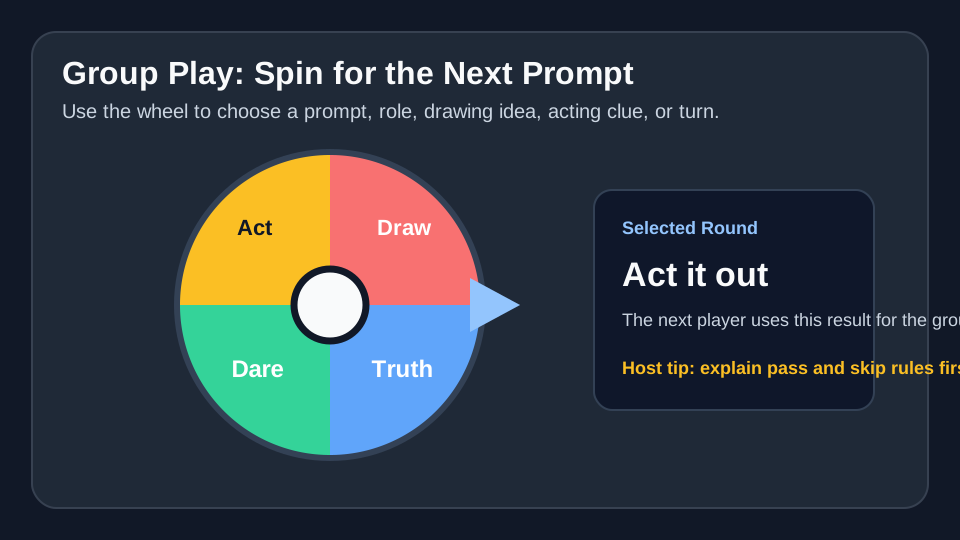
- Use prompt wheels instead of name wheels for high-anxiety activities.
Spin rule
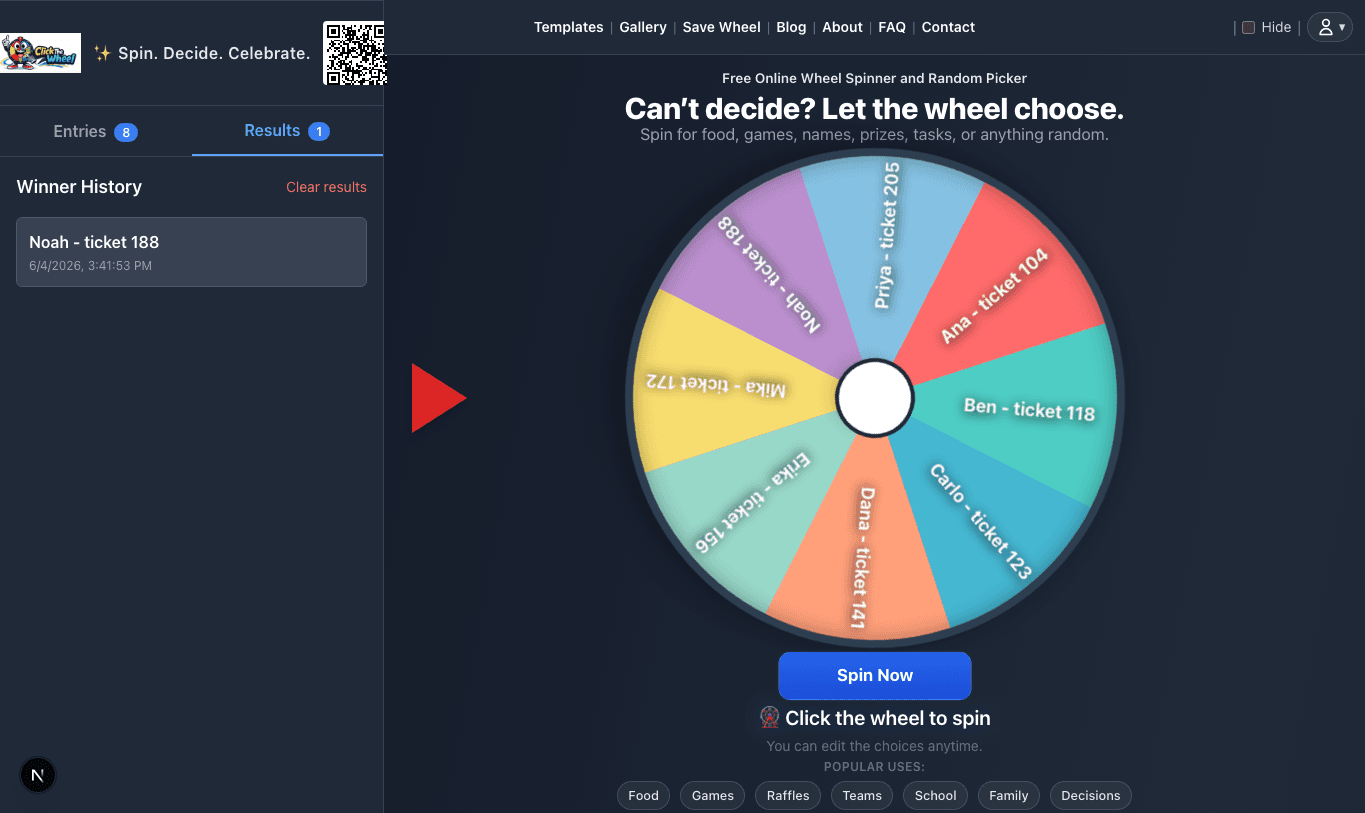
Spin for the next turn, let the student answer or pass under the class rule, then remove the student until everyone has had a chance.
Proof note
Result history can answer who has already participated, but formal grades should still be recorded in the teacher's gradebook.
Setup
The smoothest workflow for Classroom Student Picker Wheel is to prepare the list first, then spin in front of the people affected by the result. Editing the wheel while people are waiting can make the process feel less neutral.
For Classroom Student Picker Wheel, use remove-after-win when you need a rotation, turn order, or multiple winners. Keep the selected entry on the wheel when repeats are allowed or when every spin is independent, such as choosing a new prompt or activity category.
- Paste entries one per line.
- Preview the wheel labels on the screen size you will use.
- Decide re-spin rules before the first spin.
- Announce the selected entry exactly as it appears on the wheel.
Fairness rules
Fairness for Classroom Student Picker Wheel starts before the spin. The wheel should contain the agreed options, the same eligibility rule should apply to everyone, and accidental duplicates should be removed unless you intentionally want weighted odds.
For Classroom Student Picker Wheel, it helps to say the Classroom and Teacher rule out loud: who is eligible, what happens after a result, and whether previous winners or selected options are removed. That small explanation prevents most disputes later.
- Check the Classroom, Teacher, Student Picker list before the wheel is shown.
- Use one entry per eligible option unless weighting is part of the published rule.
- Remove the selected entry for multi-round picks when repeats would be unfair.
- Save or screenshot the result when the outcome affects a group, prize, roster, or schedule.
Participation tracking
Participation tracking is where Classroom Student Picker Wheel becomes more than a random click. Use this section to turn the general idea into a list that fits your people, timing, and situation.
For Classroom Student Picker Wheel, the wheel works best when teachers, students, or study groups can see the Classroom and Teacher choices and understand the result. Review the list, remove weak options, spin once, and treat the selected entry as the next agreed action.
Sections & groups
Sections & groups is where Classroom Student Picker Wheel becomes more than a random click. Use this section to turn the general idea into a list that fits your people, timing, and situation.
For Classroom Student Picker Wheel, the wheel works best when teachers, students, or study groups can see the Classroom and Teacher choices and understand the result. Review the list, remove weak options, spin once, and treat the selected entry as the next agreed action.
Accessibility
Accessibility is where Classroom Student Picker Wheel becomes more than a random click. Use this section to turn the general idea into a list that fits your people, timing, and situation.
For Classroom Student Picker Wheel, the wheel works best when teachers, students, or study groups can see the Classroom and Teacher choices and understand the result. Review the list, remove weak options, spin once, and treat the selected entry as the next agreed action.
Common questions before you spin
Classroom Student Picker Wheel is simple, but the rule around the spin matters. Tell participants what the wheel represents, when a re-spin is allowed, and whether the result is final before anyone sees the pointer move.
For Classroom Student Picker Wheel, the safest default is to use the wheel for choices that are already acceptable in Classroom and Teacher. If an option would be unfair, unsafe, unavailable, or outside the original agreement, remove it before spinning instead of fixing the result afterward.
Example wheel entries
These starter entries for Classroom Student Picker Wheel are intentionally plain text so you can paste them into ClickTheWheel, rename them for your situation, and remove anything that would not be a valid result.
- Review notes
- Flashcards
- Practice question
- Student 1
- Student 2
- Group activity
- Quick quiz
- Explain aloud
FAQ
What should I put on a Classroom Student Picker Wheel?
Add real Classroom options to Classroom Student Picker Wheel that you would be willing to accept if the wheel selects them. Remove joke entries, unavailable choices, private information, and anything that would require a manual override after the spin.
Should I remove the winning entry after a spin?
For Classroom Student Picker Wheel, remove the selected entry when repeats would be unfair, such as turn order, prize draws, chore rotation, or balanced participation. Keep it when each spin is independent, such as picking a prompt, topic, meal idea, or activity category.
How do I keep this fair for Teacher?
Use the same rule for every Classroom Student Picker Wheel entry, explain the rule before spinning, and show the list when other people are affected by the result. For Classroom and Teacher, a transparent setup matters as much as the random selection itself.
Can I reuse this wheel later?
Yes. Save the Classroom Student Picker Wheel list or keep a copy of the entries, then update it when people, constraints, prizes, tasks, or plans change. teachers, students, or study groups usually get better results from a maintained wheel than from rebuilding one in a hurry.